

RIGDOCKS
Creating a Slack Bot
Create the bot that the RIGDOCKS APIs use to send messages to Slack.
Creating the bot
1Open the Slack app management page
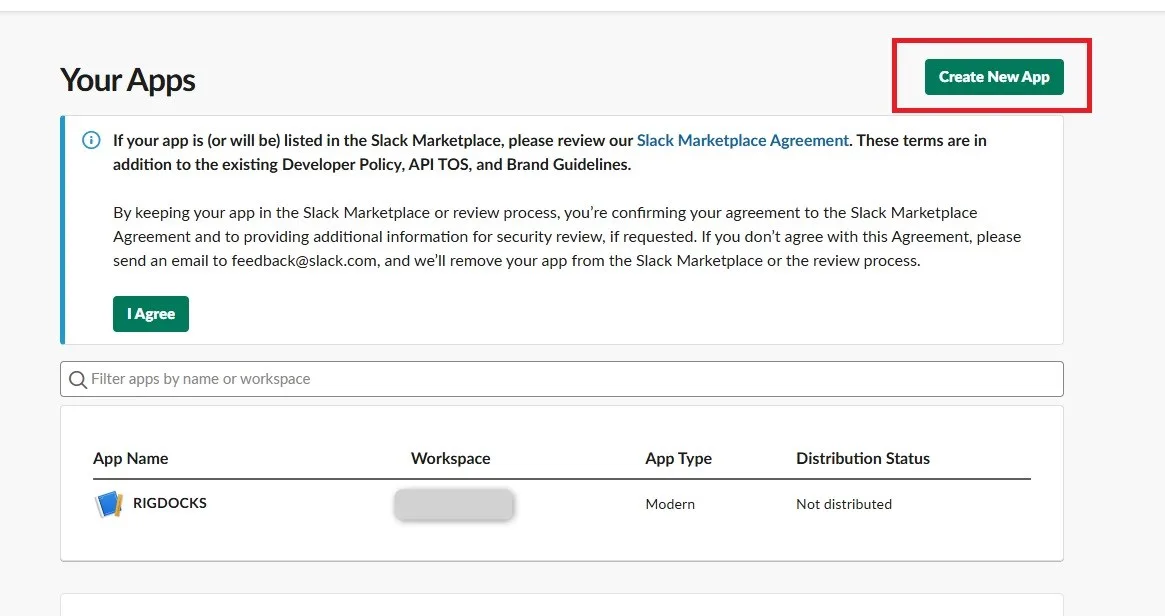
2Click "Create New App"
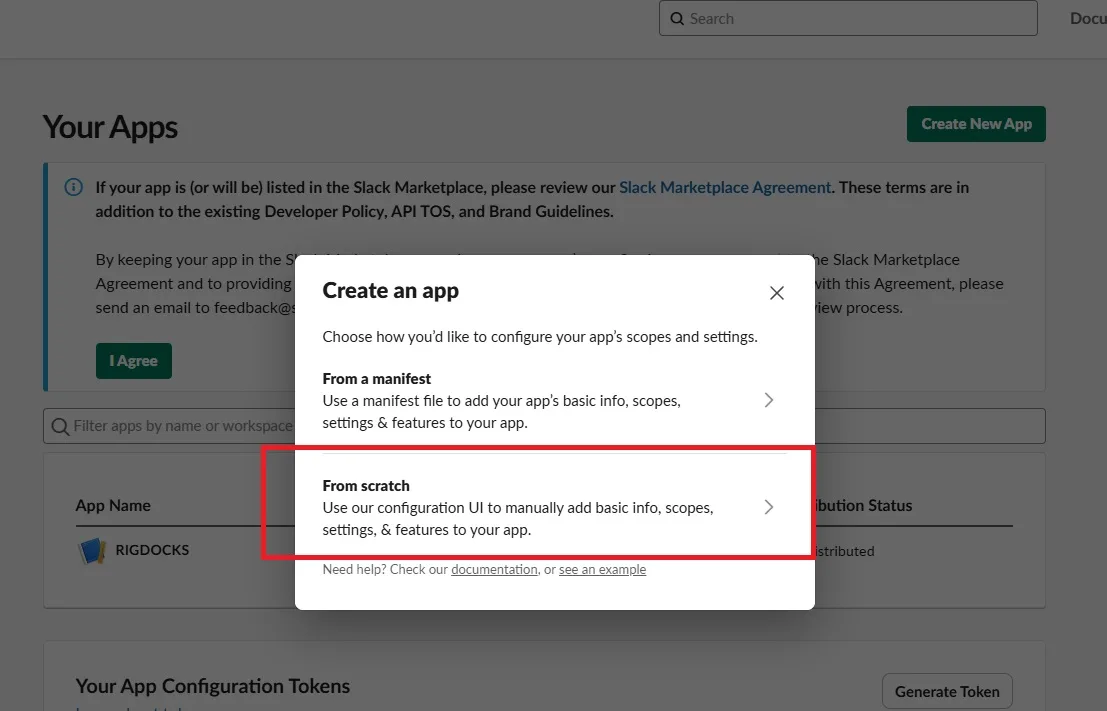
3Select "From scratch"
4Enter a name for the bot, select the workspace and click "Create App"
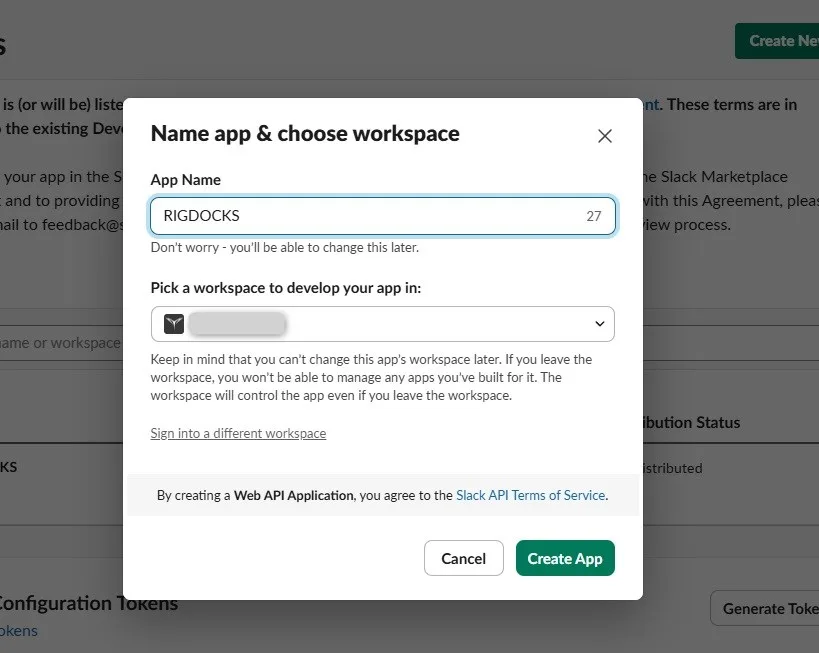
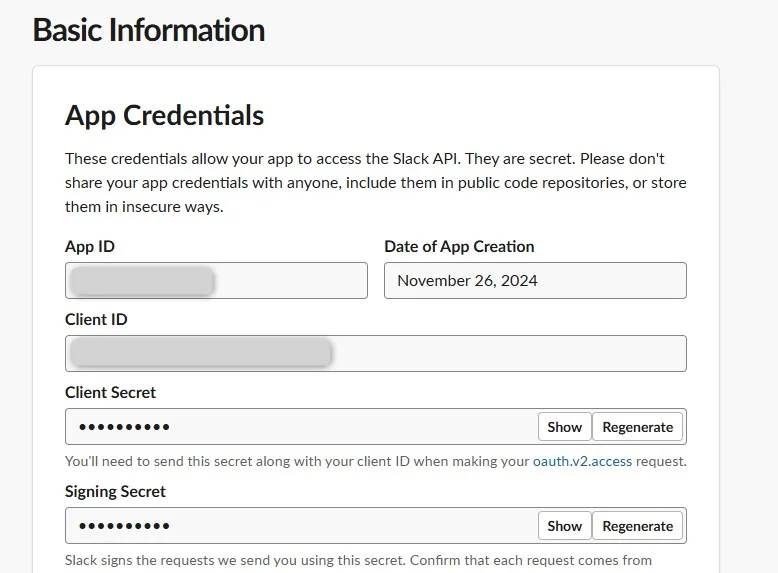
The app is created.
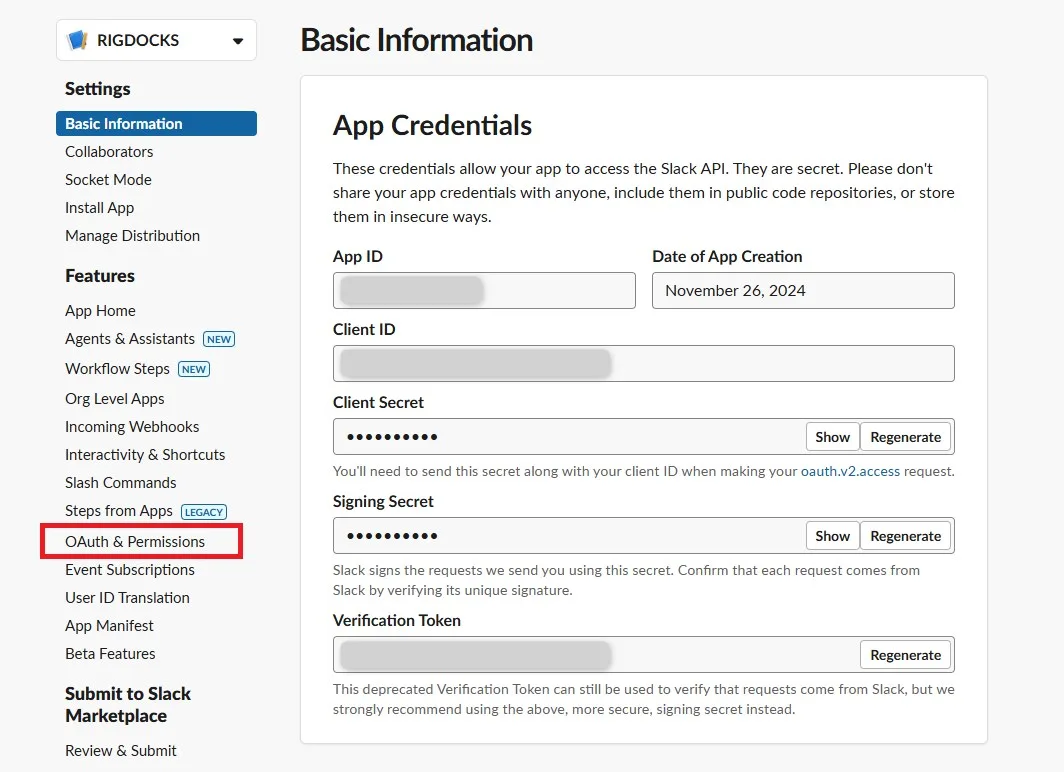
5Select "OAuth & Permissions"
6Click "Add an OAuth Scope" and add the required scopes
The RIGDOCKS APIs need the following scopes.
Scope Allows channels:read Reading basic channel information chat:write Sending messages to channels im:write Sending direct messages usergroups:read Reading user group information users:read Reading user information 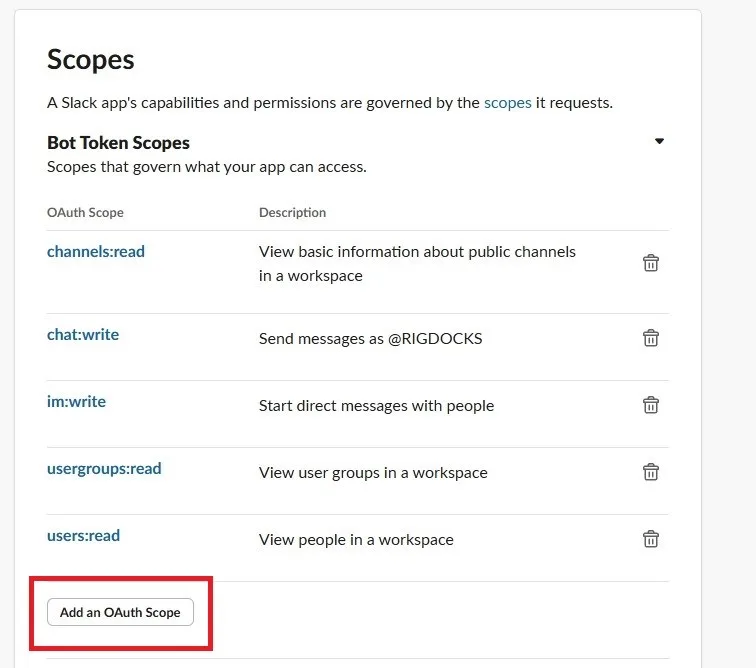
7Click "Install App"
8Click "Install to <workspace name>"
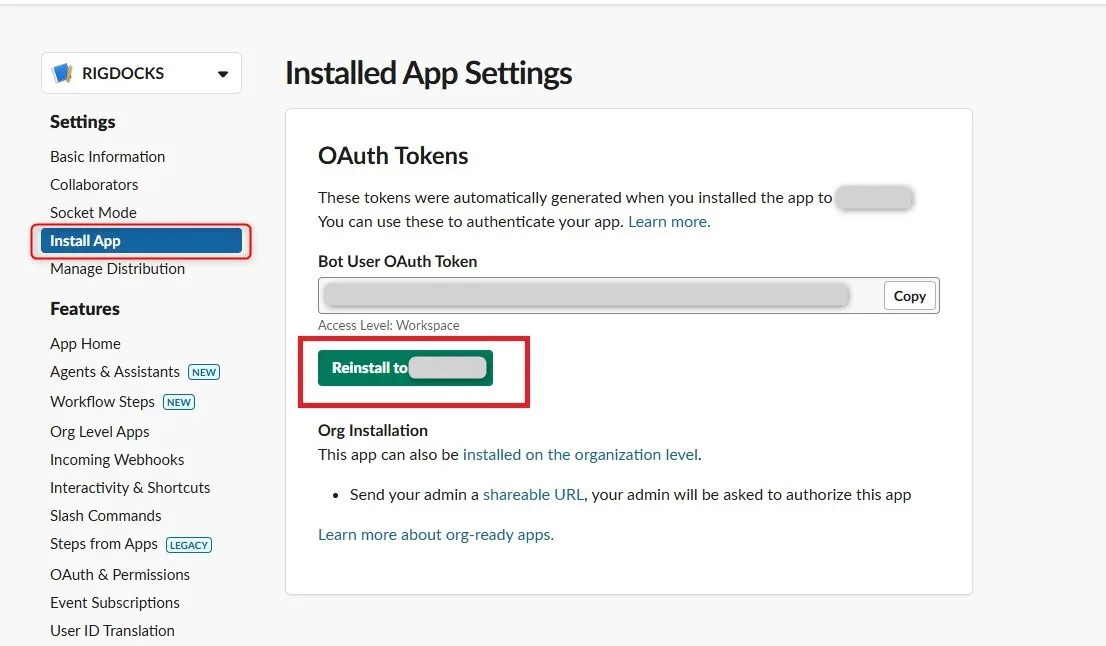
9Click "Allow"
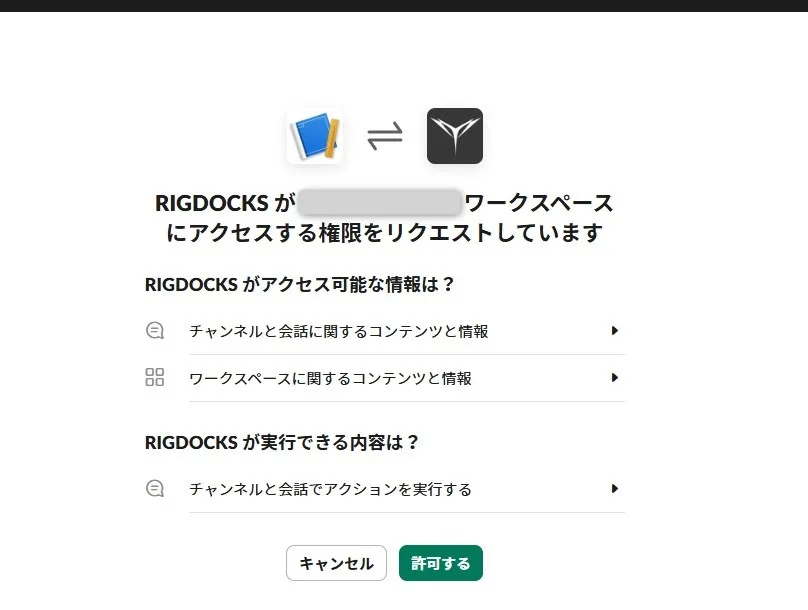
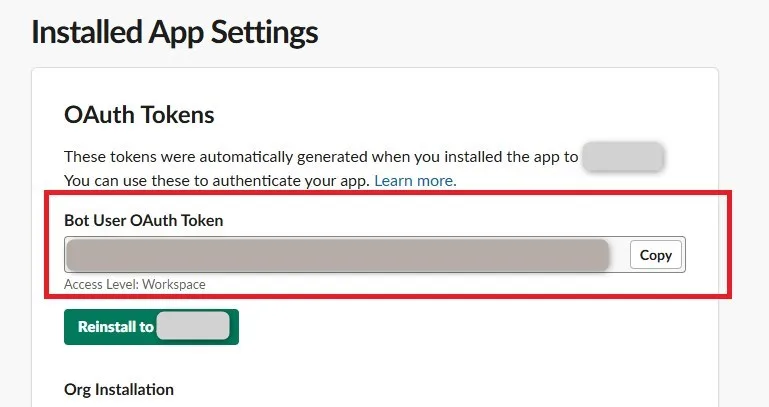
The token used by the RIGDOCKS APIs is the part shown below.
Adding the bot to a channel
To send messages to a channel with AZ_Slack_PostChannelMessage, do the following.
1Open Slack and go to the channel the bot will post to
2Type "/app" in the message box and select "Add apps to this channel"

3Click "Add" next to the app you created
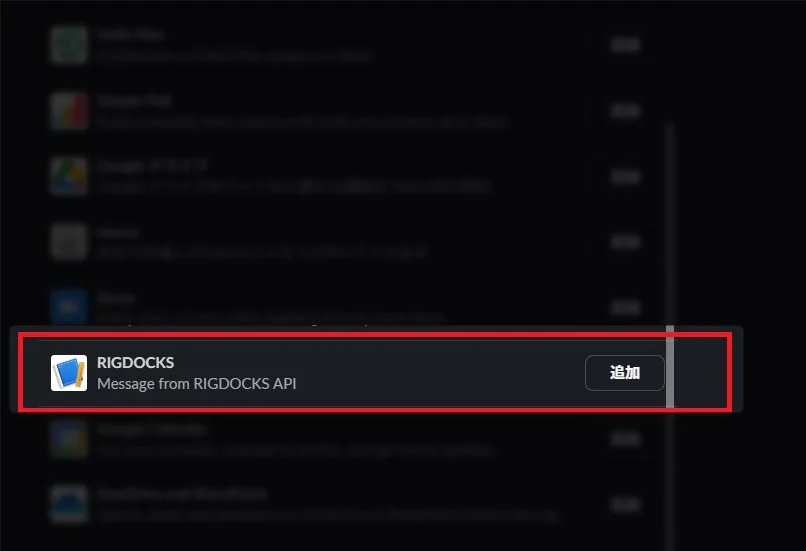
4Done when "App added" is shown

Changing the bot icon
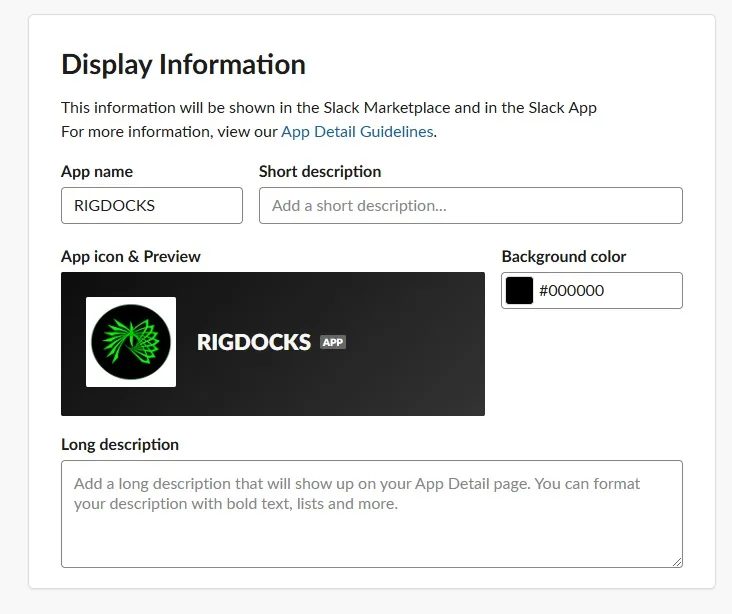
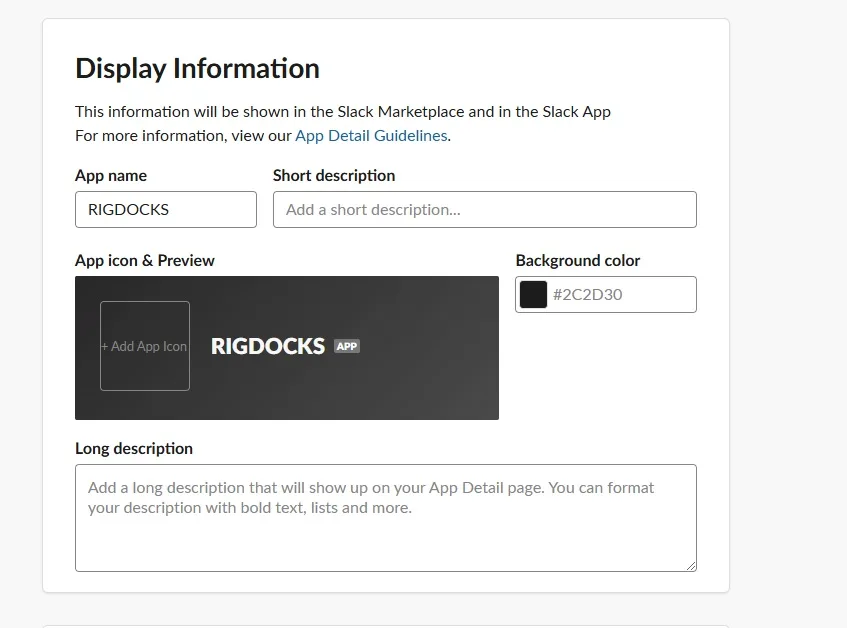
1Go to Display Information in Basic Information
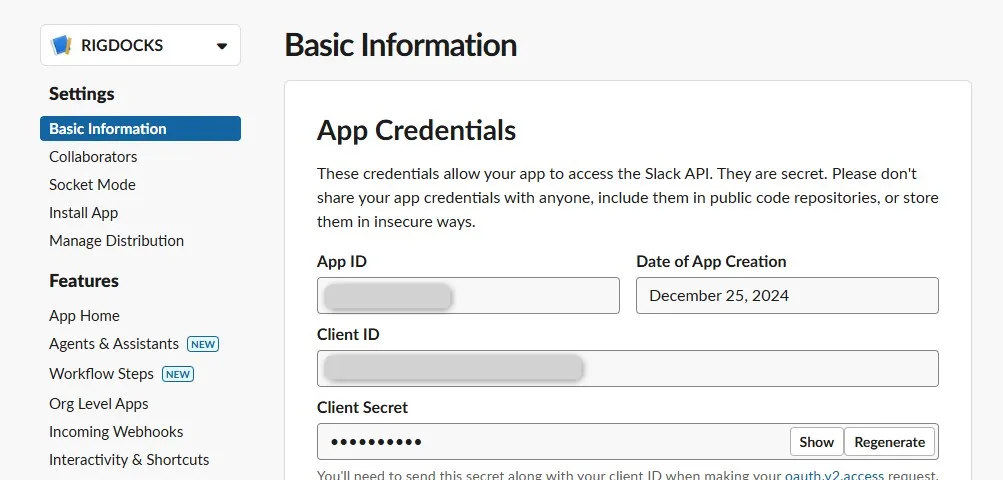
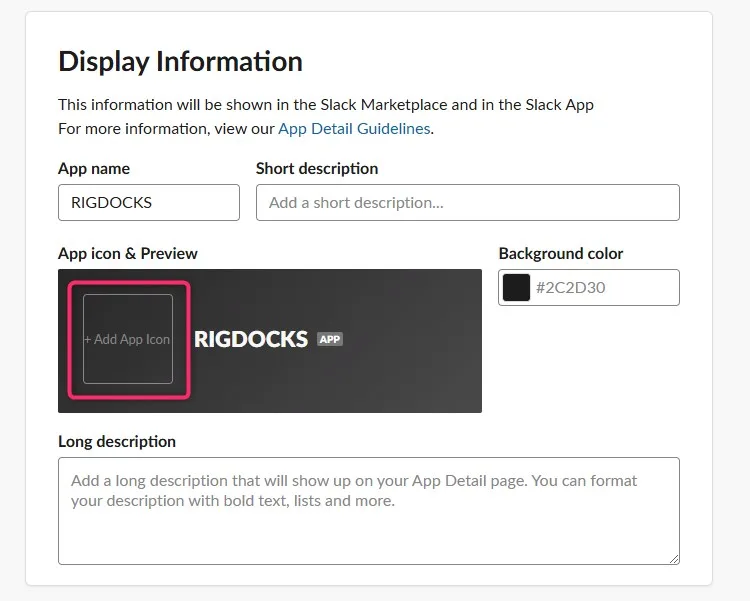
2Click Add App Icon
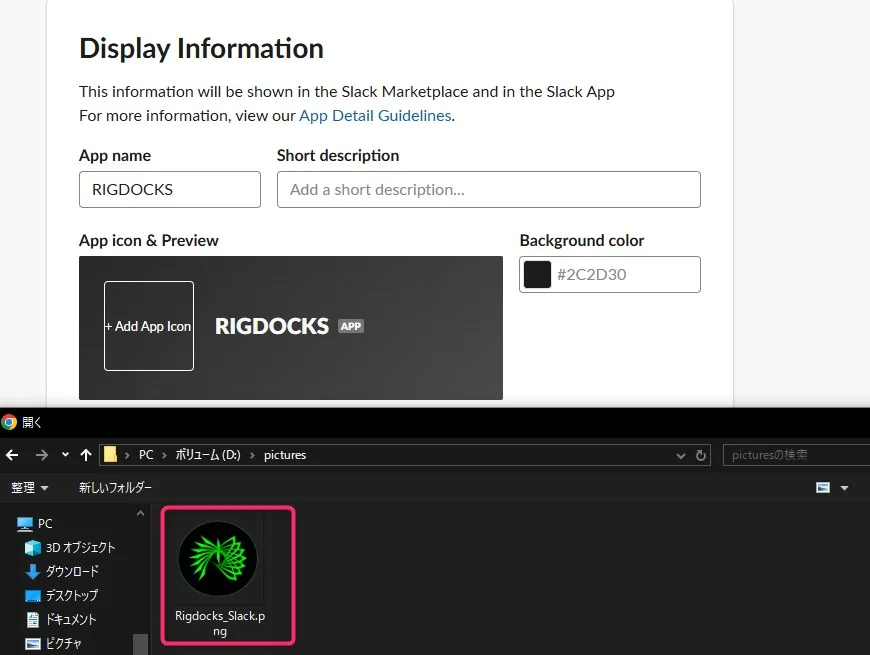
3Select an image
The image must be square, 512px to 2000px on each side.
The setup is complete.